
Expanding your Shopify store to international markets is one of the fastest ways to scale your brand. But to truly succeed with global customers, offering a smooth multi-currency shopping experience is essential. Today’s shoppers expect to browse, compare, and checkout in their own currency—without confusion or extra steps.
Below are practical, easy-to-implement tips to help you run a professional, high-converting multi-currency Shopify store.
1. Use Shopify Payments for Automatic Currency Switching
Shopify Payments allows you to accept multiple currencies and automatically displays prices based on a visitor’s location.
Benefits:
- Automatic location detection
- Real-time currency conversion
- Localized checkout experience
- Reduced cart abandonment
If your store is eligible, Shopify Payments should be your first choice.
2. Install a Currency Converter App
If Shopify Payments is not available in your region, use a trusted currency converter app. Popular options include:
- BEST Currency Converter
- Multi-Currency Converter Hero
- Geolocation by Shopify
Choose an app that offers rounded prices, auto-switching, and minimal effect on site speed.
3. Show Rounded Prices for Higher Conversions
Customers prefer clean, natural price points.
Example:
Instead of $36.73, show $37.00 in their local currency.
Rounded pricing builds trust, avoids complexity, and increases conversions—especially for first-time international buyers.
4. Make Sure the Checkout Currency Matches the Display Currency
One of the most common reasons for abandoned carts is price mismatch at checkout.
To avoid this:
- Confirm your payment gateway supports multi-currency checkout
- Test the checkout process using a VPN or geo-testing tool
- Clearly communicate any currency limitations if applicable
5. Offer Multiple International Payment Methods
Global customers expect payment options familiar to them.
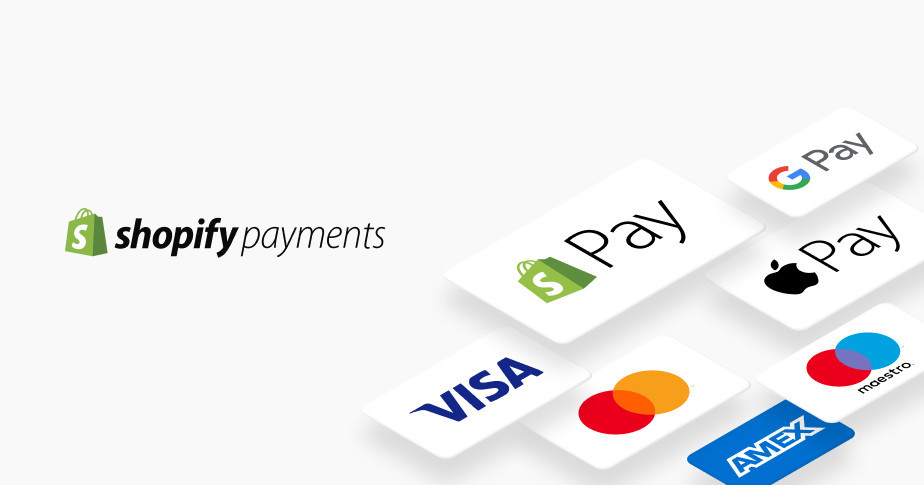
Consider adding:
- PayPal
- Apple Pay / Google Pay
- Shop Pay
- Klarna / Afterpay (regions vary)
- Local regional methods (e.g., iDEAL, Bancontact, etc.)
The more payment methods you offer, the more friction you remove at checkout.
6. Use Hyper-Clear Shipping Information
When selling globally, transparency matters.
Provide:
- Delivery times for each region
- Duties & tax information
- Local return policies
- Multi-language support (optional but strong advantage)
Clarity reduces support requests and builds customer confidence.
7. Optimize Product Pages for International Customers
Small changes help massively:
- Use metric + imperial units (cm/inches, kg/lb)
- Provide sizing charts in multiple formats
- Include international models of height/size if you sell apparel
- Add region-friendly product translations (optional)
These details help reduce returns and help customers feel your store is global-ready.
8. Use Geo-Targeted Marketing & SEO
If you want global traffic, make sure your content is discoverable internationally:
- Use localized keywords (e.g., “winter coat UK” vs “winter jacket US”)
- Create country-specific landing pages
- Use Shopify Markets to set regional prices
- Tailor ads by currency and country
A one-size marketing strategy rarely works for global sales.
9. Monitor Currency Conversion Fees
Conversion fees can cut into your margins if not monitored.
Review:
- Shopify Payments conversion rates
- Bank payment processing fees
- PayPal international fees
- App subscription costs
Factor these into your pricing strategy to keep profit margins strong.
10. Test Your Store as an International Customer
Before launching globally, test your store experience from different countries.
Tools you can use:
- VPN to simulate regions
- Shopify’s preview for multi-currency
- Browser-based geo-testing tools
Check things like:
- Currency auto-switching
- Price rounding
- Checkout accuracy
- Shipping rules
- Payment methods
If your international experience feels seamless, your customers will feel the same.
Final Thoughts
Running a multi-currency Shopify store opens the door to massive global growth—but it must be done strategically. By optimizing currency display, improving payment options, handling shipping transparency, and tailoring content to global audiences, you’ll build a store that feels truly international.


